Quick Answer
Technical SEO is the process of fixing a website’s “behind-the-scenes” elements so search engines like Google can find, read, and show it in search results. This includes things like speeding up a website’s loading time, making sure it works well on mobile devices, and making sure Google isn’t blocked from accessing specific sections. In short, technical SEO makes sure that search engines can comprehend your website before backlinks or content can even be useful.
Quick Answer
Technical SEO is the process of fixing a website’s “behind-the-scenes” elements so search engines like Google can find, read, and show it in search results.
This includes things like speeding up a website’s loading time, making sure it works well on mobile devices, and making sure Google isn’t blocked from accessing specific sections.
In short, technical SEO makes sure that search engines can comprehend your website before backlinks or content can even be useful.
Table of Contents
- What Is Technical SEO?
- Why Technical SEO Matters
- Technical SEO vs. On-Page SEO vs. Off-Page SEO
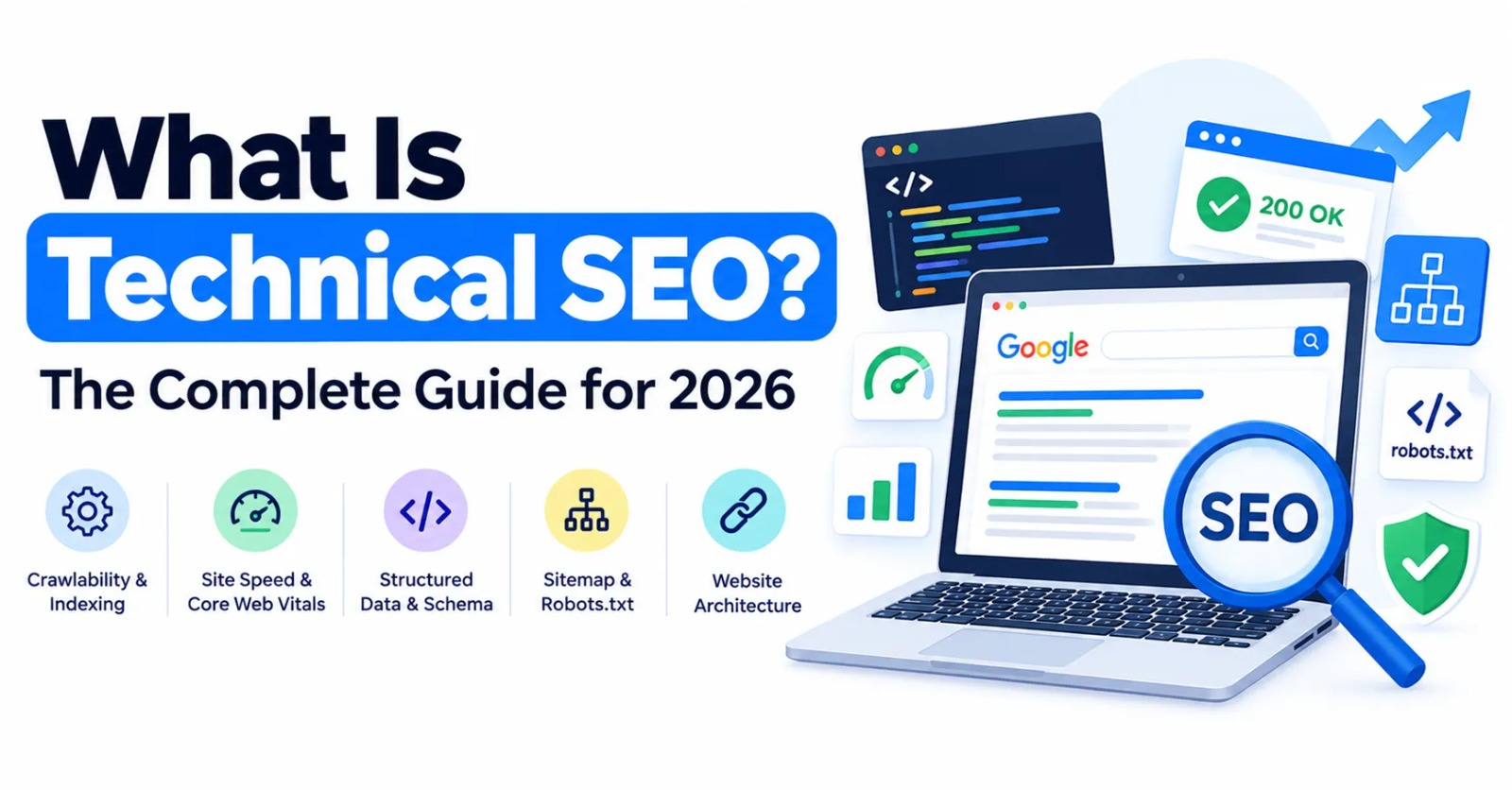
- Core Elements of Technical SEO, Explained Simply
- How Search Engines Crawl and Index a Website
- Step-by-Step Technical SEO Audit Plan
- Technical SEO Tools You Should Know
- Realistic Case Study
- Common Technical SEO Mistakes
- Expert Tips for Better Technical SEO
- Downloadable Technical SEO Checklist
- Frequently Asked Questions
What Is Technical SEO?
Technical SEO is the process of optimizing a website’s components that help search engines locate, read, and understand it rather than the content on the page or the links that lead to it. It is the cornerstone upon which a website is built.
Here’s a simple way to picture it. Think of your website as a library. The structure itself, including the doors, signage, lighting, and design that allow people (as well as Google’s search “robots,” known as crawlers) to enter and find what they need, is known as technical SEO. Content SEO is the standard of the books on the shelf. Off-page SEO is the library’s standing in the community. All three are significant. Nevertheless, none of these work if the building itself is broken, locked, or unreachable.
Technical SEO usually includes
- Crawlability – Are search engines able to enter and navigate your website?
- Indexability – Is it possible for Google to put your pages to its list of search results?
- Site speed – How quickly visitors and search engines load your sites
- Mobile-friendliness – How effectively your website functions on a mobile device
- Site structure – How well-structured and connected are your pages?
- Structured data (also called schema markup) – additional code that clarifies the topic of a page for search engines
- Security (HTTPS) – whether your website is reliable and safe
- Duplicate content control – ensuring that duplicate pages don’t deceive search engines
Why Technical SEO Matters
Even great content can’t rank if search engines can’t properly reach or understand it. Here’s why technical SEO deserves just as much attention as writing and link building.
- It’s the foundation everything else stands on. Content and backlinks only help once your pages can actually be crawled and indexed.
- It shapes user experience directly. A slow, hard-to-use site drives visitors away – no matter how good the writing is.
- Google says so directly. Google’s own Search Central guidance confirms that crawling, indexing, and page experience are core parts of how it evaluates a website.
- It causes quiet traffic loss. Technical problems often cause slow, hard-to-spot ranking declines instead of one obvious error – which is why they get missed for months.
- Fixing it scales fast. One site-wide fix, like faster loading speed, can improve every page at once – instead of needing page-by-page work.
Technical SEO vs. On-Page SEO vs. Off-Page SEO
These three parts of SEO are often mixed up. Here’s a clear, side-by-side comparison.
| Aspect | Technical SEO | On-Page SEO | Off-Page SEO |
| Focus | The site’s backend and performance | The content and elements on a page | Trust signals from outside the site |
| Examples | Site speed, crawlability, schema markup, HTTPS | Titles, headers, keyword use, internal links | Backlinks, brand mentions, PR |
| Who usually does it | Developers, technical SEO specialists | Content writers, SEO strategists | Outreach and PR specialists |
| Main goal | Let search engines access and understand the site | Match content to what people are searching for | Build outside trust and authority |
| What happens if it’s ignored | Pages may never get indexed at all | Pages get indexed but rank poorly | Pages struggle against more trusted competitors |
Core Elements of Technical SEO, Explained Simply
Crawlability – Can Google Get In?
The ease with which Google’s crawlers-automated programs that “read” websites-can navigate your website is known as crawlability. Google may be prevented from seeing your information in the first place by broken internal links, unclear navigation, or improperly configured robots.txt files, which specify what search engines are permitted to view.
Indexability: Is the Page Eligible for Google’s List?
Before a page appears in results, it must be indexed – that is, added to Google’s enormous list of searchable pages – even after it has been crawled. A canonical tag directing someplace else (see below), duplicate content issues, or an unintentional noindex tag (code that instructs Google to “don’t list this page”) might all cause a page to be excluded from this list.
Site Speed and Core Web Vitals
Both rankings and users’ perceptions of your website are impacted by site speed. Google uses Core Web Vitals, a collection of straightforward metrics that assess a page’s loading speed, click-responsiveness, and stability (i.e., buttons don’t move around). Regardless of the quality of the content, slow websites typically lose visitors and purchases.
Mobile-Friendliness
When determining how to rank your website, Google primarily considers its mobile version; this is known as mobile-first indexing. You run the risk of having a bad user experience and worse rankings if your website isn’t responsive.
XML Sitemaps
A straightforward file that enumerates each significant page on your website is called an XML sitemap. It functions similarly to a map, making it easier for search engines to locate and comprehend the structure of your website, which is particularly useful for larger websites.
Structured Data (Schema Markup)
Extra code added to a page that provides search engines with a clear explanation of its content is known as structured data. Examples of this include annotating a recipe, a review, or a list of frequently asked questions. Additionally, this can assist a page appear in search results with additional visual elements known as rich results (imagine star ratings or FAQ dropdowns beneath a search listing).
Canonical Tags
A canonical tag informs search engines which page is the “main” version to display in search results when two pages are extremely close or identical. By doing this, Google won’t be confused about which page should rank.
HTTPS Security
The connection between a visitor’s browser and your website is encrypted (protected) using HTTPS. It has been a proven ranking feature for many years, and now every reliable website is expected to have it.
How Search Engines Crawl and Index a Website
Here’s the basic process, explained in plain steps – understanding it makes clear why technical SEO matters so much.
- Discovery – Google’s crawlers find your pages through links, sitemaps, and prior site visits.
- Crawling -The information, code, and links on the page are all read by the crawler.
- Rendering – Google views the site in a manner similar to that of a visitor by processing it, including any interactive code.
- Indexing -The page is added to Google’s enormous collection of searchable pages if it meets the requirements.
- Ranking – Google uses hundreds of factors, such as technological health, content quality, and trust, to choose and rank sites from that database when a user searches for a relevant phrase.
A problem at any one of these steps – a blocked page, a slow server, a broken link – can stop a page from ever reaching step 5, no matter how good the writing on it is.
Step-by-Step Technical SEO Audit Plan
- Check your indexing status.To find out whether pages are indexed, excluded, or displaying problems, use Google Search Console’s Coverage report.
- Run a site speed test. Check your Core Web Vitals ratings on desktop and mobile devices with Google PageSpeed Insights.
- Test how the site looks on mobile.Verify that it is completely responsive and error-free on mobile devices.
- Check your robots.txt file.Verify that it isn’t inadvertently preventing Google from seeing pages that you truly want it see.
- Check your XML sitemap. Verify that it is up to date and entered into Google Search Console.
- Look for duplicate content. Locate almost identical pages and confirm that canonical tags are properly configured.
- Find broken links and long redirect chains. Simplify redirects and fix any dead links, often known as 404 errors.
- Confirm HTTPS is working everywhere. Verify that no “mixed” or unsafe content is present.
- Check your structured data.To make sure your schema markup is configured correctly, use Google’s Rich Results Test tool.
- Review crawl efficiency (for larger sites).Verify that Google isn’t squandering time indexing duplicate or low-value pages rather than your crucial ones.
Technical SEO Tools You Should Know
| Tool | What It’s Used For |
| Google Search Console | Verifying crawl failures, indexing status, and search performance—free and crucial |
| Google PageSpeed Insights | Core Web Vitals ratings and site speed measurements |
| Screaming Frog SEO Spider | Crawling your own website to identify issues with metadata, broken links, and redirects |
| Google’s Rich Results Test | Verifying the right setup of your structured data |
| GTmetrix | Gaining a more thorough understanding of the factors causing your website to lag |
| Ahrefs or Semrush Site Audit | Conducting comprehensive technical evaluations on bigger websites |
Technical SEO strategy applied:
- To raise Core Web Vitals scores, pictures were compressed and slow loading was implemented (images load only when a visitor scrolls to them).
- created and uploaded a revised XML sitemap that included all of the current product pages.
- To help Google determine which version to rank, canonical tags were added to duplicate product pages.
- A faulty redirect chain from an earlier website transfer was fixed.
- Product schema markup was added to enable listings be eligible for rich search results, such as star ratings.
Common Technical SEO Mistakes
- Accidentally blocking key pages in robots.txt, frequently following a website makeover
- Leaving a noindex tag on live pages following the transition of a website from a test to a live version
- Only checking desktop speed, while disregarding the speed of mobile pages
- Letting the XML sitemap go outdated, particularly on websites that often publish
- Duplicate content with no canonical tags, Search engines are confused about which page to rank.
- Broken internal links and long redirect chains,can waste time for search engines as well as visitors.
- Missing or broken structured data,This may prevent a page from displaying rich results.
- Ignoring HTTPS or mixed content warnings,can undermine security and trust
Expert Tips for Better Technical SEO
- Audit regularly, not just once. After site migrations, plugin upgrades, or redesigns, technical problems may subtly reappear.
- Fix the biggest problems first. Often, a single site-wide performance improvement is more important than several little page adjustments.
- Loop in developers early. Someone with access to the site’s code is required for many technical SEO adjustments.
- Treat it as ongoing maintenance, not a one-time effort, particularly following a significant structural alteration of the property.
- Watch Core Web Vitals over time, not only once. When new code or material is added, scores may change.
- Recheck canonical tags after content updates to confirm that they are still pointing to the correct page.
| Resource |
|---|
| Integrated Digital Marketing |
| SEO for Startups |
| Digital Marketing Agency in India |
Frequently Asked Questions
1. What is technical SEO?
Technical SEO is the practice of optimizing a website’s backend – things like crawlability, indexing, site speed, and mobile-friendliness – so search engines can properly find, understand, and rank its pages.
2. How is technical SEO different from on-page SEO?
Technical SEO focuses on a site’s structure and performance behind the scenes. On-page SEO focuses on the content and elements inside individual pages, like titles, headers, and keyword use.
3. Why does site speed matter for SEO?
Site speed affects how easily search engines can crawl a page and directly shapes user experience – making it both a ranking factor and a major factor in whether visitors stay or leave.
4. What is crawlability, and why does it matter?
Crawlability is how easily search engine crawlers can move through a website. If a site isn’t crawlable, its pages may never be indexed or shown in search results at all.
5. Do I need a developer for technical SEO?
Many fixes, especially around site speed or structured data, need someone with access to the site’s code. Some simpler issues can be handled directly through SEO plugins or content management tools.
6. How often should a technical SEO audit happen?
Most experts recommend a full audit at least twice a year, with extra checks after any major redesign, migration, or big structural change.
7. What is structured data, and why does it matter?
Structured data is code added to a page that helps search engines understand its content, and it can also make the page eligible for enhanced search features called rich results.
8. Can technical SEO problems cause a traffic drop?
Yes. Issues like an accidental noindex tag, blocked crawling, or a broken redirect can cause real, sometimes sudden, drops in organic traffic.
9. Is HTTPS really necessary for SEO?
Yes. HTTPS has been a confirmed ranking factor for years and is now considered a basic requirement for any trustworthy website.
10. What tools are best for a technical SEO audit?
Common tools include Google Search Console, Google PageSpeed Insights, Screaming Frog SEO Spider, and larger platforms like Ahrefs or Semrush for bigger sites.